How Much Does a Toyota Tacoma Weigh? Buyer Context
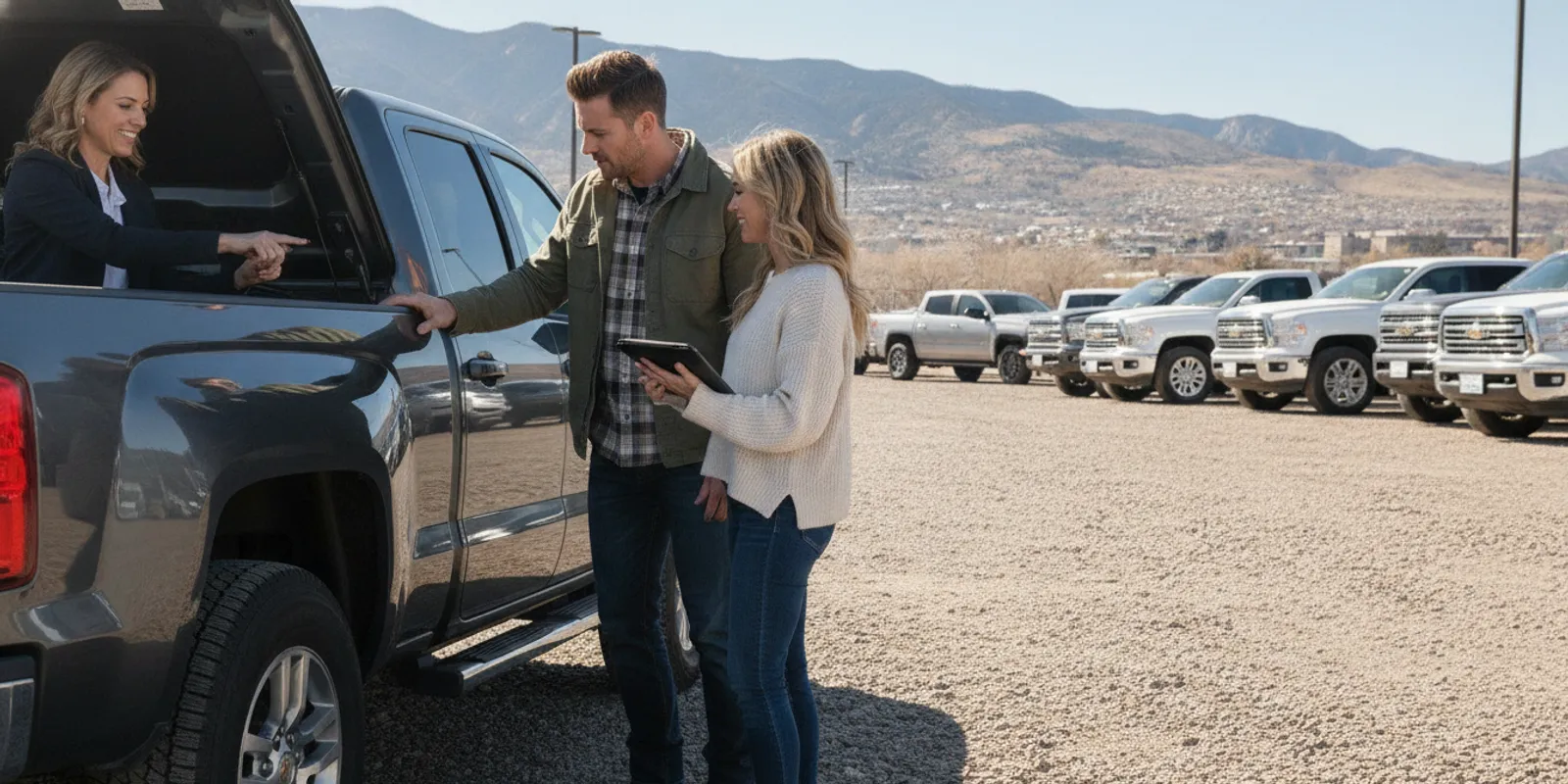
How much does a Toyota Tacoma weigh? There is no one figure that applies to every Tacoma. The answer depends on the model year, cab and bed, drivetrain, trim and equipment. If you are comparing used trucks around Denver, first identify the exact configuration, then compare the matching manufacturer specification with the vehicle's own labels and equipment. That approach is more useful than treating a model-wide number as exact.
Ask about scheduling a Tacoma test drive
What does a Tacoma weight figure describe?
Before looking up a number, decide which weight question you are trying to answer. Vehicle listings, specification sheets and labels can show multiple figures. They are not different ways of saying the same thing.
- Curb weight: The vehicle's weight in a specified operating condition, generally with standard fluids and fuel but without passengers or cargo. The precise definition can vary by source, so read the notes that accompany the figure.
- Payload: The weight the truck is rated to carry, including occupants, cargo and certain installed equipment. It is a capacity measure, not the truck's empty weight.
- Gross vehicle weight rating (GVWR): The maximum loaded weight rating for the vehicle. It describes a limit, not the weight of an unloaded truck.
- Gross combined weight rating (GCWR): A combined rating for the loaded vehicle and trailer where the manufacturer specifies one. It is not a substitute for the truck's other ratings.
These terms answer separate questions. If you are curious about the truck's listed curb weight, use the applicable curb-weight specification. If you are checking whether people and equipment can ride in the truck, look at vehicle-specific ratings and labels. A general curb-weight value cannot establish payload or towing capacity. For use limits, follow the manual and the labels on that particular vehicle.
It also helps to distinguish a published specification from an actual scale measurement. A specification describes a configuration under the manufacturer's stated conditions. A scale reading describes the vehicle as weighed, with whatever equipment, fuel, cargo or occupants were present at that time. One is useful for comparison; the other can answer a question about the current loaded truck. Neither changes the manufacturer's ratings.
Why does Tacoma weight change by configuration?
"Toyota Tacoma" names a model line, not a single fixed build. Two trucks that look similar in a listing may have different bodies, drivetrains or factory equipment. Those differences can change the published curb weight and the vehicle's ratings.
- Model year and generation. Specifications may change as the design, structure and available equipment change. A number published for one model year should not be assumed to apply to another year, even when the trim name appears familiar.
- Cab style. The number of doors, seating arrangement and body layout affect the configuration. Confirm the cab description rather than inferring it from a photo.
- Bed length. Bed choices can be paired differently with cab styles and trims. Check the listed bed length and make sure the specification source describes that same combination.
- Drivetrain. Two-wheel-drive and four-wheel-drive versions may differ in components and weight. Match the drivetrain exactly as shown in the listing or vehicle documentation.
- Trim and factory packages. A trim may include different standard equipment, and optional packages can alter the build. A trim name alone may not tell you every item installed.
- Accessories and later changes. Steps, racks, bed covers, toolboxes, bumpers, protective equipment and other additions affect the truck's actual as-equipped weight. The change can matter even when the accessory seems small.
- Source and definition. A manufacturer table, a certification label, an online listing and a scale do not necessarily describe the same weight or conditions. Check the heading and explanatory notes before comparing figures.
A useful comparison therefore starts with a configuration, not a model name. If a listing omits its cab, bed or drivetrain, treat the missing detail as a question to resolve. Avoid filling the gap with a guess based on another Tacoma that looks alike.
How can you find the weight for a particular Tacoma?
Use the same short verification process whether you are reading a listing at home or examining a truck in person:
- Write down the identifying details. Record the model year, trim, cab, bed and drivetrain. Note any factory package or visible aftermarket equipment. If the listing does not say, ask the seller to confirm rather than assuming.
- Find a specification for that model year. Consult the manufacturer's specifications or owner information for the matching year and configuration. A search result snippet or a generic model page may omit important qualifications.
- Check what the number means. Confirm whether the source labels the figure curb weight, payload, GVWR or another measure. Look for notes about standard equipment or configuration. Do not compare one truck's curb weight with another truck's GVWR.
- Compare the specification to the vehicle. Use the vehicle identification and its labels or paperwork to verify the applicable ratings. If the listing's description conflicts with the vehicle documents, pause and clarify which configuration you are evaluating.
- List added equipment. Ask about accessories or modifications that may not be obvious in the listing. A heavy rack or other permanent equipment can affect current weight and reduce the capacity remaining for occupants or cargo.
- Use a suitable scale if actual weight is essential. If a decision depends on the truck's present weight, weigh it in the condition relevant to that decision. Keep track of whether occupants, cargo, fuel and accessories were present. A measurement is only meaningful when you know what was on the truck.
Consider a hypothetical comparison: one listing is for a four-wheel-drive Tacoma with a larger cab and an added rack; another is a two-wheel-drive truck with a different cab and no listed accessories. Looking up a single "Tacoma weight" and applying it to both skips several meaningful differences. Instead, identify both configurations, find the matching specifications and record installed equipment separately. If you later weigh either vehicle, note its condition at the time.
For a shopper who only wants to compare listings, the manufacturer's matching specifications may be enough to understand the difference between configurations. For a loading decision, the individual vehicle's labels and manual matter more. For a current measured weight, use an appropriate scale. Be clear about the question before choosing the source.
Which details should you compare side by side?
A small comparison sheet makes mismatches easier to spot. Use it to separate the truck's identity, the weight term and the source of the information. This is a verification checklist; it does not imply that an option always adds a fixed amount of weight.
| Item | What to record | Why it matters |
|---|---|---|
| Model year | Exact year and matching specification source | Design and equipment details can vary across years. |
| Cab and bed | Cab style and bed length | Body configurations are not interchangeable. |
| Drivetrain and trim | Drive layout, trim and factory package details | Components and standard equipment can differ. |
| Weight term | Curb weight, payload, GVWR or GCWR | Each value describes a different measure or limit. |
| Equipment | Factory options and later-added accessories | The actual truck may not match a base configuration. |
| Source | Manufacturer data, label, paperwork or scale | Each source is useful for a different question. |
| Condition measured | People, cargo and equipment present, if weighed | A scale reading only describes the truck in that condition. |
For a practical example, imagine two listings both described simply as "Tacoma SR5." Before comparing their weight figures, confirm the year and drivetrain, then check cab and bed details. If one has a bed cover or other installed equipment, add that to your notes. If a specification page gives a range or lists multiple configurations, select the row that matches the individual truck rather than using the first number displayed.
If a seller provides a figure but cannot identify its source, ask what it represents and whether it refers to curb weight, a rating or a measurement. That is not a challenge to the seller; it is a way to keep the comparison clear. The answer may lead you to a manufacturer page, vehicle label, paperwork or scale, depending on the question.
How should you use weight information when shopping?
Weight can help you compare configurations, but it is only one part of choosing a used pickup. Start by describing how you expect to use the truck: daily driving, carrying people and gear, transporting tools, or occasionally loading bulky items. Then check the exact vehicle's ratings and documentation against that use. Do not infer that a heavier truck automatically has more capability or that a lighter one is automatically the better fit.
For a purchase comparison, create one row per truck and keep the evidence together:
- Copy the year, trim, cab, bed and drivetrain from the listing, then confirm unclear items.
- Record the specification source and whether its number is curb weight or a rating.
- Note visible accessories and ask whether other equipment has been added or removed.
- Mark any unknowns instead of blending estimates from different sources.
- Compare condition, history and equipment separately from the published weight.
This method is especially helpful when specifications appear to disagree. One page may describe a base configuration, while another may be specific to a cab-and-drive combination. A listing may use "weight" without naming the measure. Before deciding that one source is wrong, check the model year, configuration and label attached to each figure. If those details are not clear, treat the figure as unverified for your comparison.
Weight should not be used by itself to plan towing. Towing involves the applicable vehicle, hitch, tire and trailer limits, as well as loading and operating requirements. This article focuses on how to identify Tacoma weight information, not how to calculate a towing setup. For that decision, use the exact truck's manual and ratings and get qualified help when you are unsure.
What should Denver-area shoppers verify on a used Tacoma?
When comparing pre-owned trucks, check the listing details against the particular vehicle. Royal Automotive is a family-owned used-vehicle dealership in Englewood serving the Denver metro area. The dealership describes a pre-sale inspection process for vehicles offered for sale. That description does not replace checking a specific truck's information, equipment and condition for yourself.
You can browse the dealership's pre-owned inventory and check individual listing information. A listing can change, so confirm current details before making a trip. If you are comparing a particular Tacoma, use the matching Tacoma model details as a listing example, not as a universal specification for every Tacoma. The year, configuration and equipment on another truck may differ.
You can also review the site's information about Royal Automotive and its used-car buying articles for broader shopping context. When a listing leaves out a configuration detail or the weight source, ask before relying on an assumption. The dealership's contact page provides a way to ask about scheduling a test drive; a drive helps you assess fit and feel, while specifications and vehicle documents answer questions about weight and ratings.
If you are still comparing possibilities, begin with the exact configuration you need and make a list of the questions that remain. An in-person look may help you confirm visible equipment and whether the cab and bed suit your plans. Use documentation for ratings and specifications rather than trying to estimate weight by appearance.
How do you handle missing or conflicting specifications?
Used-vehicle information is sometimes incomplete. A listing might include the model year and trim but omit cab or bed details. Another source might show several weight figures without making the configuration obvious. Keep those gaps visible instead of choosing the number that seems most plausible.
- Separate confirmed facts from open questions. Put details copied from the vehicle listing in one column and uncertain items in another. For example, you may know the model year and drivetrain but still need to confirm cab style or whether a pictured accessory is included.
- Ask for the missing identification details. Request the exact cab, bed, drivetrain and equipment description. If the vehicle documents identify a configuration that differs from the listing, ask which information is current.
- Return to the source definition. If two sources give different figures, compare what each calls the weight, which year and build it describes, and whether the figure is for standard or installed equipment. The numbers may refer to different things rather than conflict.
- Do not calculate a vehicle-specific limit from incomplete data. A rough estimate can be misleading when occupants, accessories or cargo matter. Use the truck's own labels and manual for its ratings.
For instance, suppose a listing says "four-wheel drive" and a generic specification table lists several curb weights. That alone does not identify the correct row. You still need to match the model year, cab, bed and trim, and establish whether the table includes the same equipment. If the listing does not give enough detail, the responsible next step is to confirm the build, not average the figures or select the lowest one.
Keep a simple note for each truck: source name, link or document, date reviewed, weight term, configuration, and any unresolved detail. This is useful when you compare several vehicles over multiple days, because it makes it clear whether two numbers came from equivalent sources. It also prevents an old note about one Tacoma from being accidentally carried over to another.
What is a useful pre-visit checklist?
Before visiting a used-truck listing, take a few minutes to prepare. You do not need to memorize specifications. You need enough information to ask focused questions and verify that the truck fits your intended use.
- Write down what you need the truck to do and which cab and bed arrangement would suit that use.
- Copy the exact year, trim and drivetrain from the listing. Flag anything unclear instead of assuming.
- Identify the weight measure you need. A curb-weight comparison and a payload question require different information.
- Make a short list of visible or expected accessories, then ask whether other equipment is installed.
- Bring the specification source or take a note of it so you can compare the same configuration later.
- For a loading or towing decision, plan to check the individual truck's labels and manual rather than relying on a search result.
While looking at the vehicle, compare its equipment with the description you used to find the specification. A rack, toolbox, bumper or other addition may not appear in a standard specification table. If the equipment is part of your intended setup, include it in your questions about current weight and remaining capacity. If it can be removed, distinguish the vehicle as currently equipped from how you plan to use it.
This checklist keeps the process practical: determine the configuration, verify the meaning of the number, and relate the information to your actual use. It also helps you avoid overvaluing an exact-looking figure when the source does not describe the truck in front of you. When documentation remains unclear, ask the manufacturer or a qualified professional to interpret the vehicle-specific information.
Frequently asked questions
Is there one curb weight for every Toyota Tacoma?
No. The model year, cab, bed, drivetrain, trim and equipment can all vary. Look up the specification for the exact configuration and check how the source defines its figure.
Is curb weight the same as GVWR?
No. Curb weight describes a vehicle under specified operating conditions. GVWR is a maximum loaded vehicle rating. Read the manufacturer's definitions and the specific vehicle's labels.
Can I use curb weight to work out how much cargo to carry?
Do not use a generic curb-weight number by itself to make a loading decision. Payload and other ratings are vehicle-specific. Check the labels and manual for the truck you are using, and account for occupants and equipment.
Do accessories affect a Tacoma's weight?
Yes. Accessories can change the truck's as-equipped weight. They may also use some of the capacity available for people and cargo. Identify installed equipment and use the applicable vehicle-specific information.
When should I get a scale reading?
A scale can be useful when you need the truck's actual weight in a particular condition. Record what was aboard when it was weighed. A scale reading does not replace the manufacturer's ratings or operating instructions.
Ask about arranging a Tacoma test drive
To compare Tacoma weights fairly, match the model year and configuration, confirm which weight measure is listed, and verify important details against the specific vehicle.